
Voice →
context-rich AI prompt
Bridge the gap between natural speech and precise technical instructions.
Automatic codebase context for your AI assistants. Native IDE integration.
Works with your favorite IDE



Key benefits for AI-assisted coding
Stay in flow while your AI gets better prompts.
Voice-based prompt creation
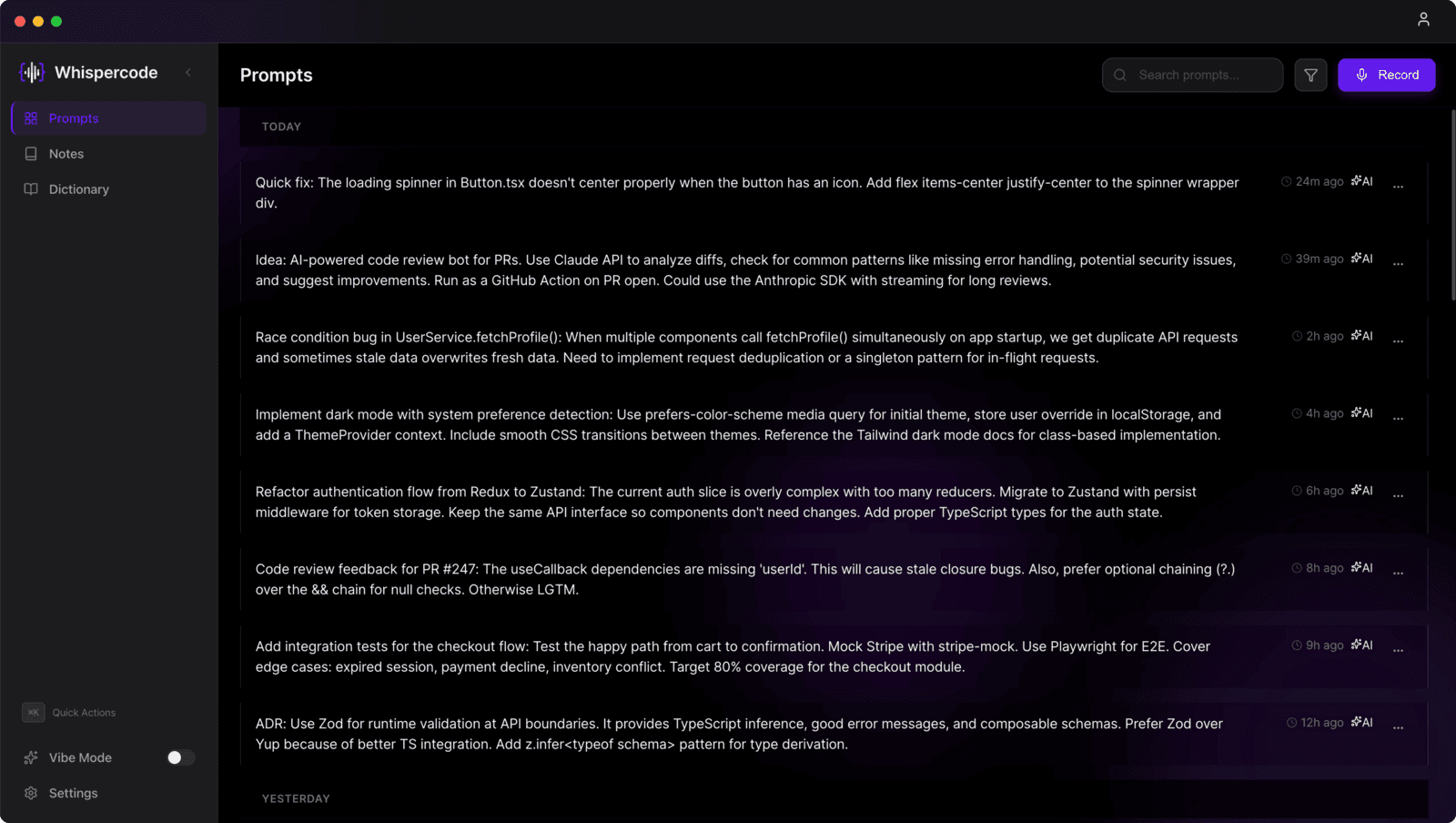
Start recording with global hotkeys anytime. Floating window with automatic silence detection. Stay in your flow state—no context switching needed.
Developer terminology transformation
LLM transforms casual speech into precise technical language. "I want a button that saves stuff" becomes "Implement a save button component with persistence functionality."
IDE context integration (RAG)
VS Code extension with local embedding model. No manual copy-pasting—your prompts automatically include relevant codebase context via semantic search.
Custom dictionary
Project-specific terminology recognition. Your API names, framework terms, and domain words transcribed flawlessly every time.
Privacy-first & offline
RAG runs entirely locally—no data sent to external services. Works offline, syncs when connected. Safe for enterprise and proprietary projects.
Cross-platform sync
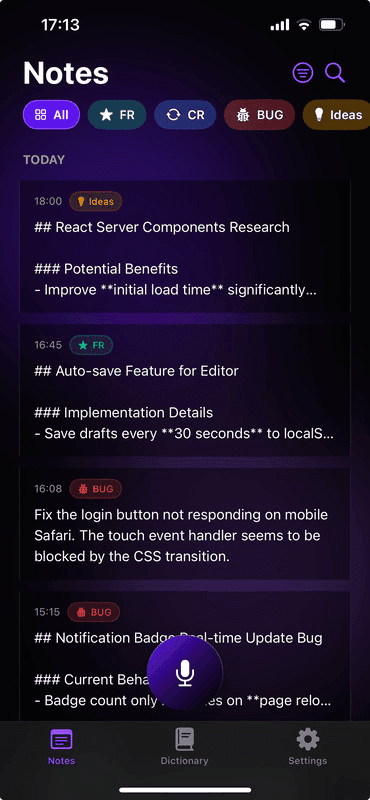
Mac + iPhone with Supabase backend. Capture ideas on your phone during commute—instantly available on your desktop.
Developer-first UX
Command Palette, customizable hotkeys, and keyboard-first design. Feels like your terminal—not another app.
Why vibe coders choose Whispercode
Your voice becomes context-rich AI prompts. Precise code, faster.
Hands stay free
Turn your thoughts into AI prompts instantly without stopping coding. Global hotkeys, floating window at cursor, automatic silence detection.
More accurate AI responses
LLM transforms casual speech into precise technical instructions. Your AI assistant gives better answers because your prompts are technically accurate.
Context without copy-paste
Say "fix this function" and your AI sees WHICH function you mean. IDE context integration means no manual code copying.